Take notes you'll actually want to look at.
Write by hand or type, do the math, chart it, record the lecture — all in one notebook. There's AI when you want it and none when you don't. Everything stays on your device.
One notebook for the whole subject.
Handwriting and typing to start, then the tools that turn a page of notes into something you can study, chart, and search.
Handwriting that feels like ink.
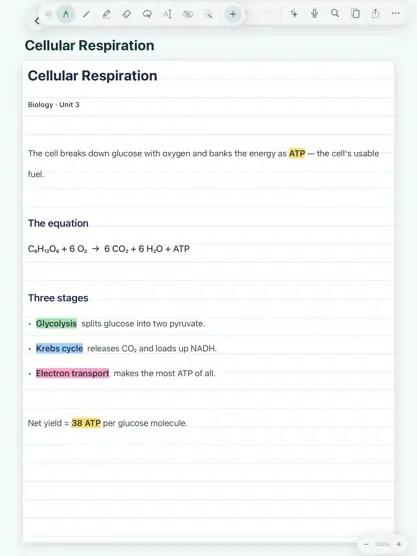
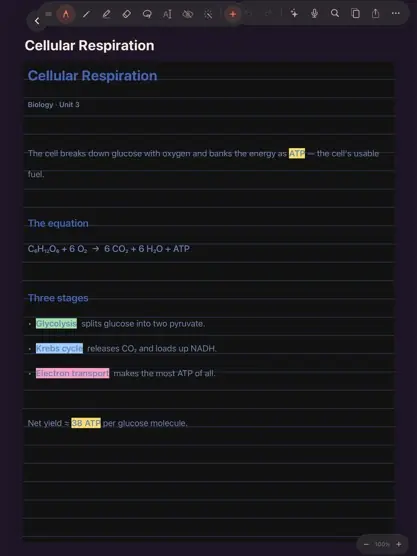
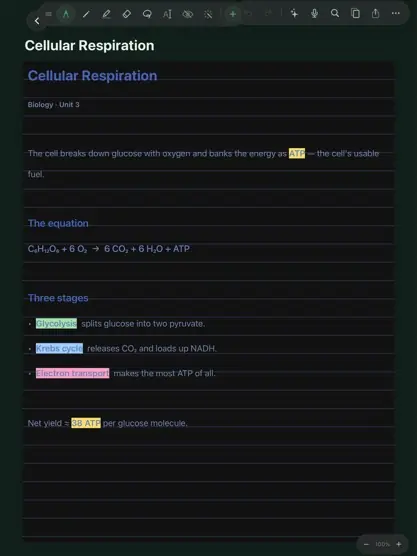
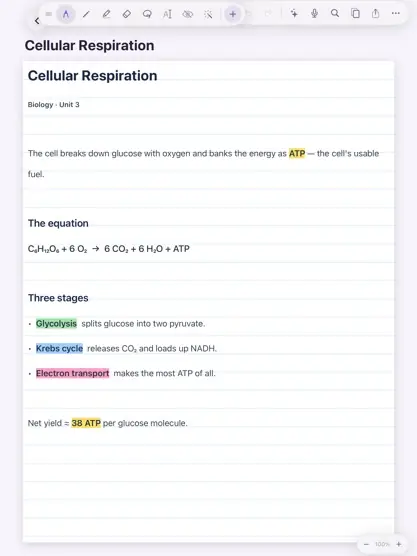
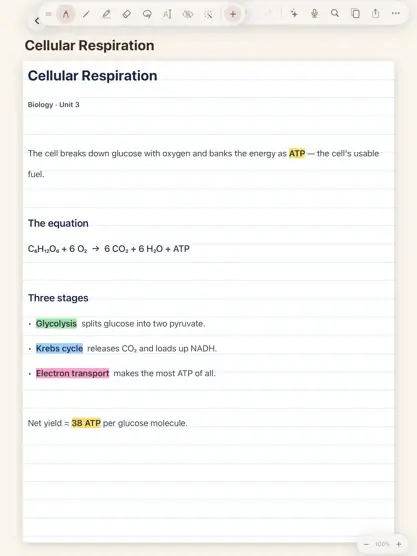
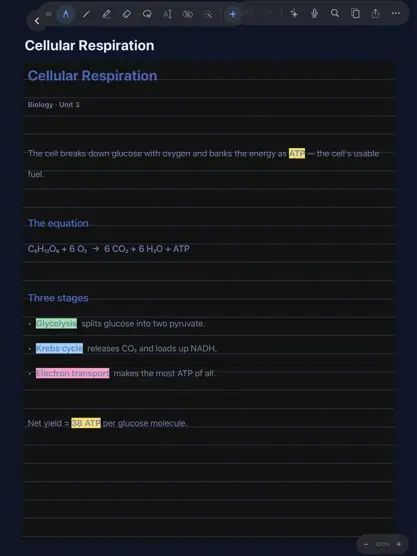
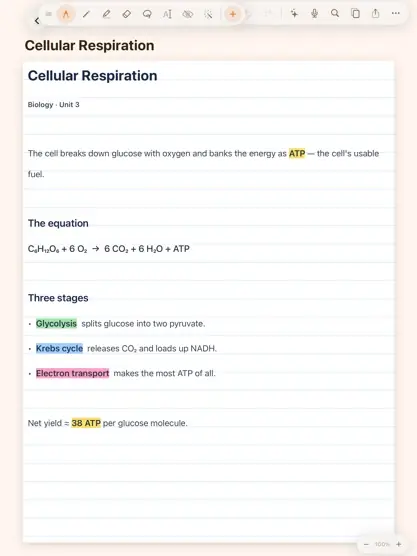
Pencil strokes that respond to tilt and pressure, highlighters, and typing on the same page. Then pick a theme to make it yours.
Ask your notes.
Ask across a whole set of notes. Every answer quotes where it came from, and a tap jumps right to it.
Study that adapts.
Quizzes and flashcards from your notes. Miss one and the next round drills it.
Math that solves itself.
Type an equals sign and the answer appears in place.
Play the lecture back.
Your handwriting redraws itself in time with the recording. Tap a word to hear that moment.
Tables become charts.
Bar, line, or scatter in one tap.
iPad and iPhone, in sync.
Over your own Wi-Fi, never someone's server.
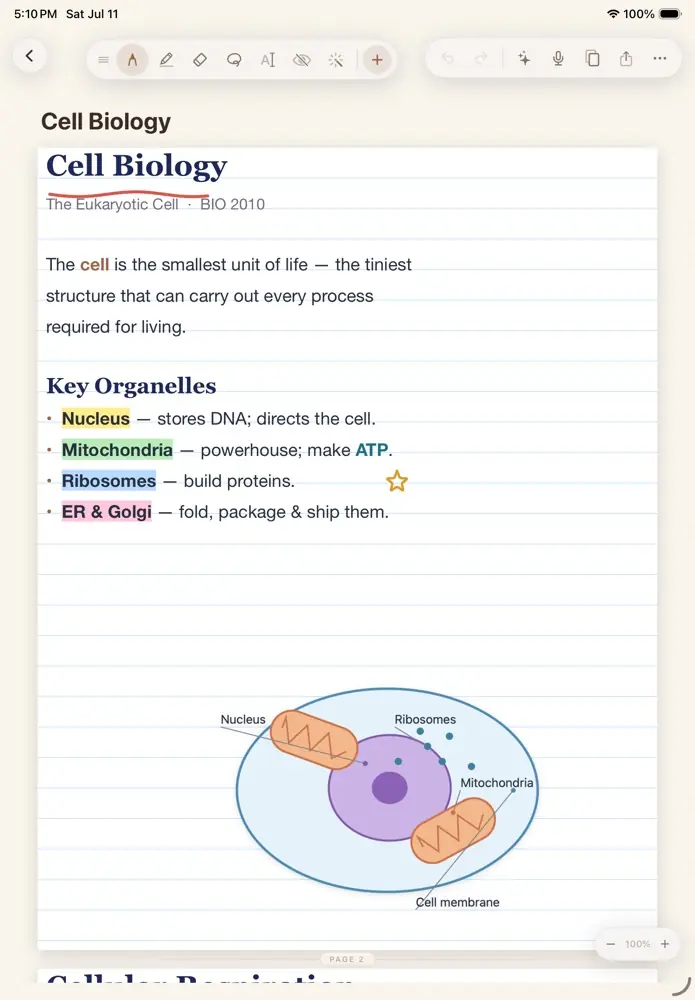
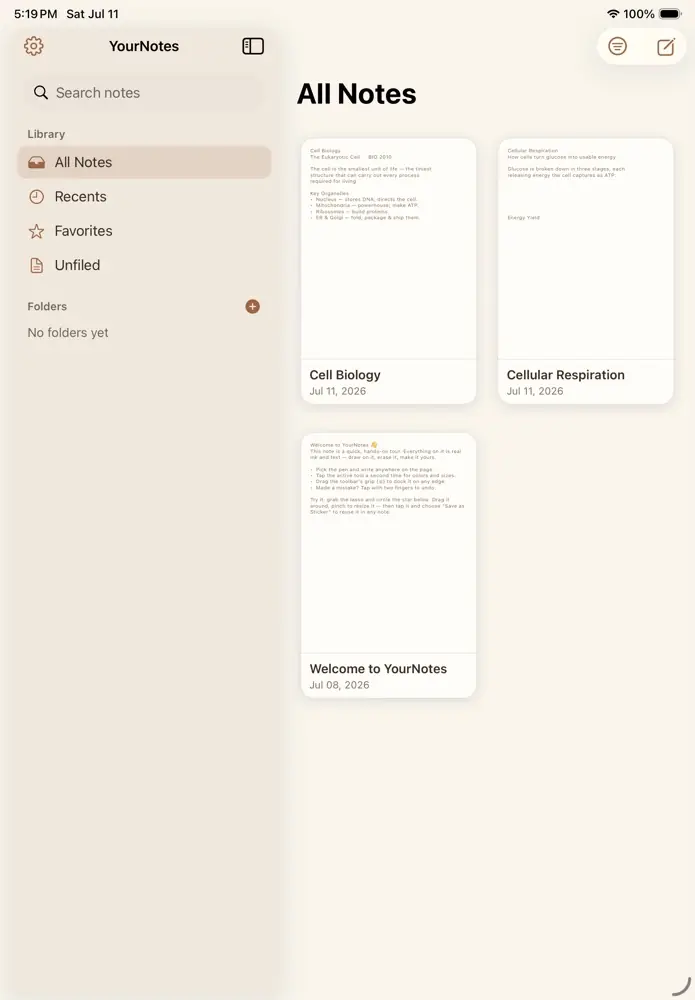
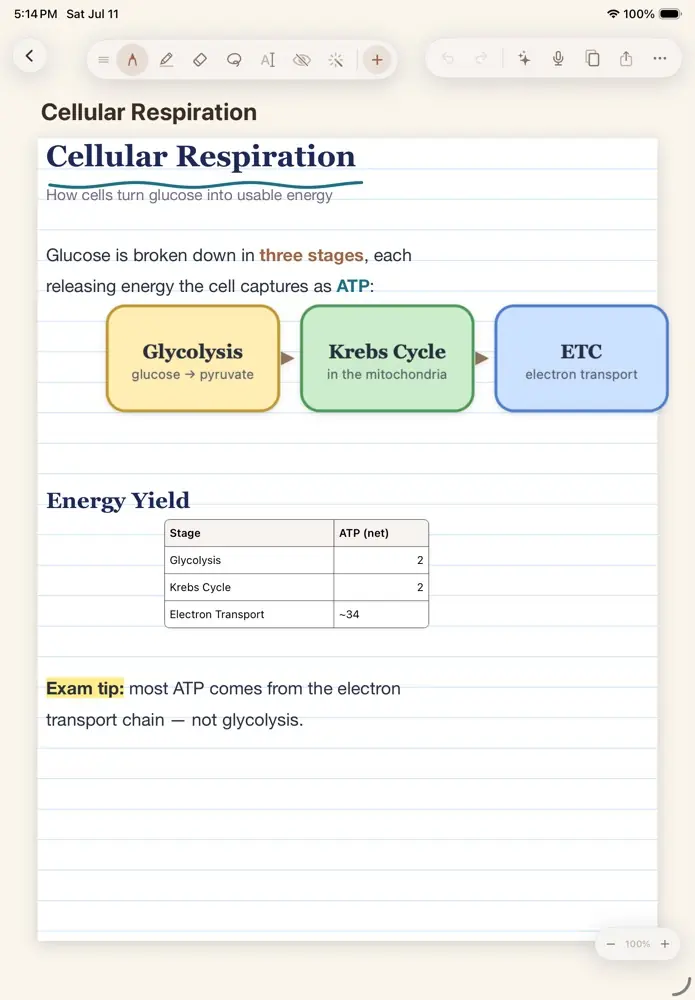
This is what your notes look like.
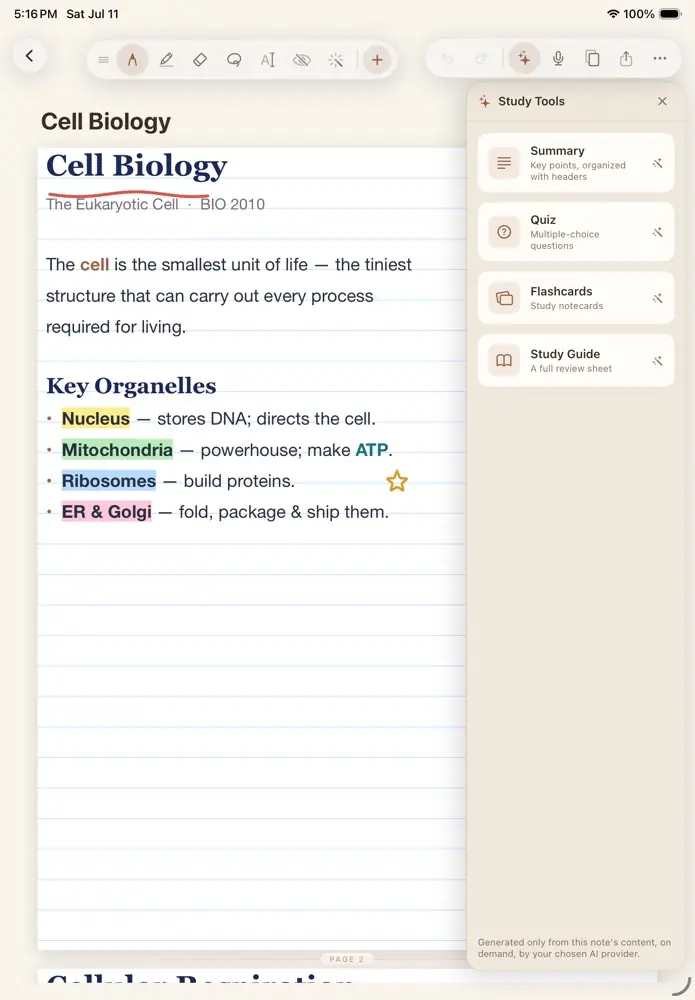
No mock-ups. These are real pages from the app: typed notes, highlights, diagrams and tables side by side, and study tools that stay out of the way until you ask.
No account. No cloud. No subscription.
Start your first note.
Whether it's for class, for work, or just something you don't want to forget, they're YourNotes, to do with as you please.
Download on the App StoreEverything the notebook can do.
Write it by hand, type it, work out the math, chart it, record it, and ask it questions later.
Answers that actually come from your notes.
Pick a few chapters, a whole folder, or any mix, and ask questions across all of them at once. Every answer quotes the notes it pulled from, and you can tap a quote to jump right to it.
- Summaries, study guides, flashcards and quizzes made from a whole set
- Adaptive quizzes that focus each round on the topics you keep missing
- Research mode writes a longer, sourced report on a topic
- Build a knowledge map, then rearrange it however you think
Write math the way you would on paper.
A math keyboard made for notes, with fractions, exponents, roots, π and trig a tap away. Type an equals sign and a space, and the answer shows up right where you're writing.
- Turn handwritten math into clean, typeset equations
- Solve for x on simple equations, worked out in place
- Fractions and exponents stay neat automatically
Play the lecture back and watch your notes fill in.
Play a recording and the handwriting you made during it draws itself back in, exactly as you wrote it. Tap any word to hear what was being said the moment you wrote it, and the page follows along on its own until you scroll somewhere yourself.
More in the notebook.
Turn a table into a graph.
Any table becomes a bar, line, or scatter chart in one tap. Move it, resize it, and export it to a PDF or image to hand in or share.
iPad and iPhone in sync.
Your notes, folders, and favorites stay in sync across your devices over your own Wi-Fi.
Make it yours.
Select a theme to try it
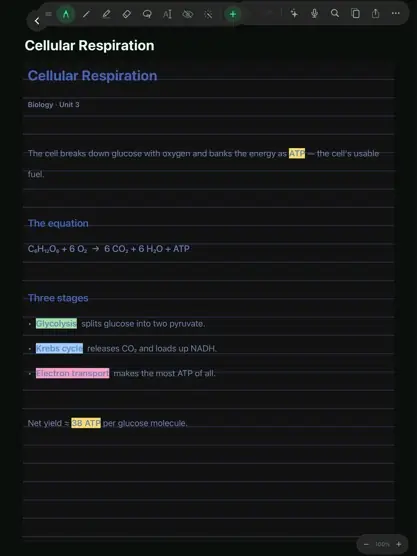
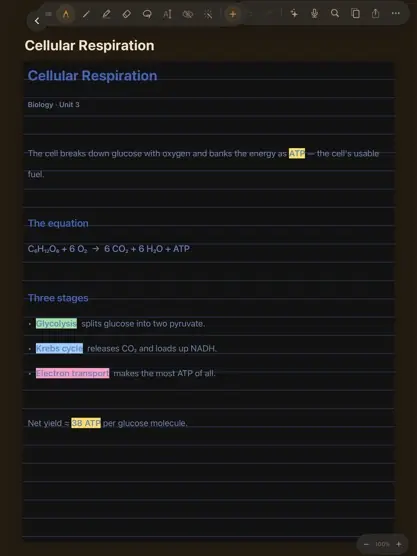
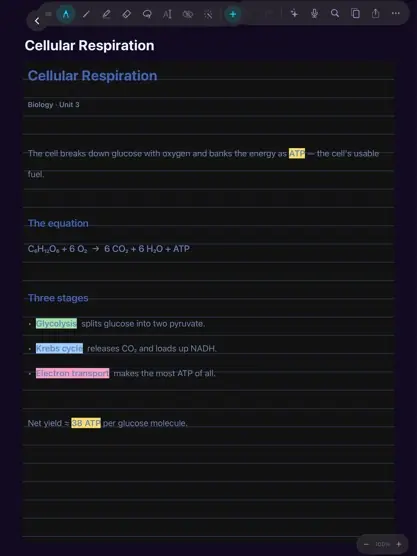
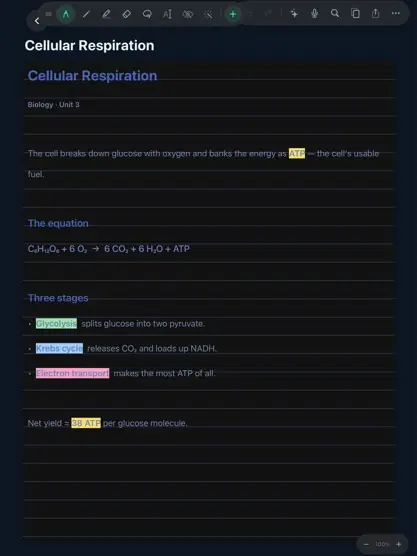





Your notes stay on your device.
Local by default
Your notes live on your iPad. Nothing is uploaded anywhere unless you choose to export it, share it, or connect your own cloud AI.
AI is your choice
Run models on-device on supported Apple-silicon iPads, bring your own API key from a major provider, or Self Host your own LLM.
- Your notes
- Stay on your iPad.
- Sync
- Device to device, over your own Wi-Fi.
- AI
- On-device, or only the provider you pick.
- Servers
- None. There's nothing in between.
Most apps want an account before you can use them, keep your data on someone else's servers, and charge you every month for their "services". For something as personal and simple as some notetaking, that always felt wrong.
YourNotes started as the opposite of that. Your notes live on your device, not in a cloud you don't own. The AI is there if it's useful to you and out of the way if it isn't. And since nothing runs on a server, there's nothing to bill you for month after month. You buy it once and keep it. No subscriptions ever.
The goal is a simple one: a note-taking app that treats your work, your data, and your privacy, as your own.
Questions, answered.
What do I need to run it? +
Where are my notes stored? +
Do the AI features cost extra? +
Do I need to make an account? +
Is it a subscription? +
How do I get help or report a bug? +
Can I suggest a feature? +
What should YourNotes do next?
Suggest what YourNotes should do next. Search first: if someone has already asked for it, add your vote. New ideas are reviewed before they appear on the board, and the most-voted ones help decide what gets built next.
Loading the board…
Votes are anonymous. Your browser keeps a random ID so each idea gets one vote per device, and only a scrambled (hashed) copy of it is stored. A quick Cloudflare check keeps bots out. How requests are handled
Need a hand? We're here.
YourNotes is built and supported by one person, so every message is read personally. Most emails get a reply within a day or two.
Email support
Questions and bug reports go straight to the support inbox. Got an idea for a feature? Post it on the Requests board so other people can vote for it too.
Email support@yournotes.devPlease include:
- Your iPad or iPhone model, and its iPadOS / iOS version
- The YourNotes version (Settings → About in the app)
- What you expected, and what happened instead
- The steps to reproduce it — and a screenshot if you can